Fujifilm xf 35mm f2 review (not technical)
The Fujinon XF 35mm F2, my go to lens and one that certainly lives up to the hype!


Size & Build Quality.
First of all the size of this lens is great. It’s compact, light, fully metal and it’s also weather resistant which pretty much ticks all the boxes for me.
If you are someone with big old hands though you may find this lens a little fiddly, particularly adjusting the aperture as it’s really close to the camera body. For most though I don’t think this will be an issue.


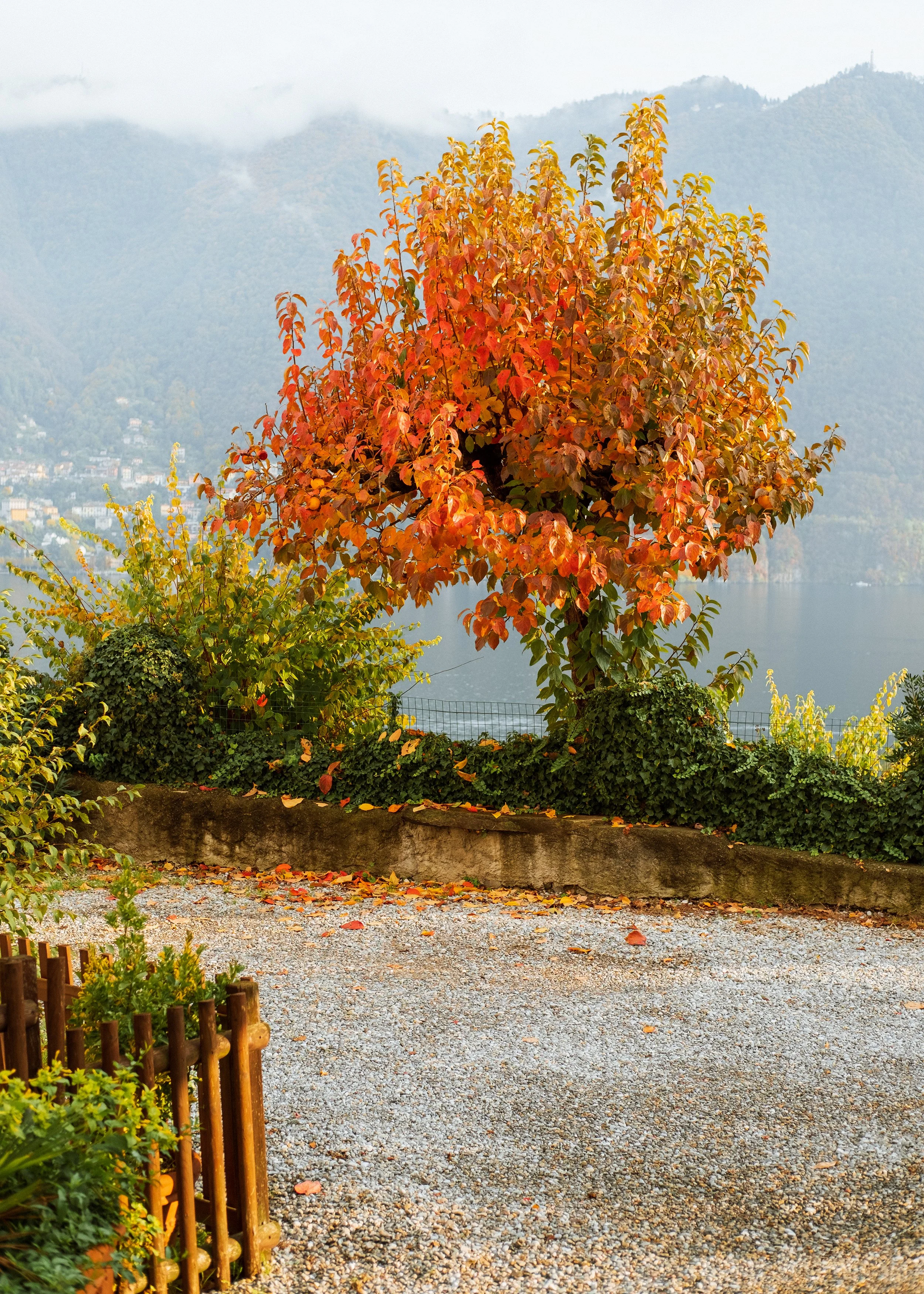
Performance.
If you have seen any other reviews of this lens then you would know it’s very highly rated and with good reason.
I am not going to dive into statistics because honestly I have no interest in that stuff, all I’m worried about are the final images and with this lens I must say, I love the images.
The auto-focus has rarely missed and the images are super sharp corner to corner especially when you stop down a little. Portraits also look amazing and are really sharp even at F2.

My Go To Lens.
Since buying this lens a year and a half ago it’s been my go to lens in pretty much every scenario. I use this lens for almost all the digital photos you may have seen in our YouTube videos.
The 35mm F2 has been almost the perfect lens for me when travelling. I can use it for landscape photos, portraits and street photography which saves me worrying about changing lenses for different scenarios. The reason I say almost perfect is because it can be a little tight in city streets so that’s something to keep in mind if you are a street photographer. You can certainly still get amazing shots but you will find it tight at times I can almost guarantee that.




Is there a better option?
I think for me the only lens that might have a chance of replacing the 35mm F2 is possibly a 27mm option or a 33mm.
Simply because as I mentioned above it is a little tight at times and I mean just a tad haha. Other than that it’s perfect for me and my style of photography.
There is a reason this is one of the most popular lenses for Fujifilm users.
All the photos you can see above were edited using our Lightroom Preset Pack. If you like the look and would like to support us and what we do then feel free to check out the preset pack below. We appreciate it in advance, cheers!

The Explorer pack is a collection of 9 (7 Unique) Adobe Lightroom presets which we created and have been using to edit all our own photos over the last few years, many of which you may have seen in our YouTube videos.
The looks you get with these presets have very much been inspired by the different places we have visited on our travels both here in Ireland and further afield. The presets have rich colors with a soft contrasted look which we have developed to work in many different scenarios.
INSTALLATION :
Extract the ZIP file (to your desktop). UNZIP to access the presets folder and editing tutorial video. Open Lightroom and go to the Presets section.
Click on File - Import Profiles & Presets. Select the presets file(s) folder and click Import.
Restart Lightroom and your presets will now be listed in the Presets section. You can now use them to edit your photos. Check out the editing tutorial video which you also received in the folder to get the most out of these presets. Enjoy!
Find the tutorial video link within the PDF file.
MOBILE USERS - To use these presets on LR CC Mobile you’ll need to install the presets on your DESKTOP version of Lightroom CC FIRST, then they will auto-sync into your Lightroom CC Mobile App.
DISCLAIMER - All sales are final and non refundable. My presets are a digital product, therefore, are unable to be returned.